PhotoEdit Studio vs Canva for Property Images
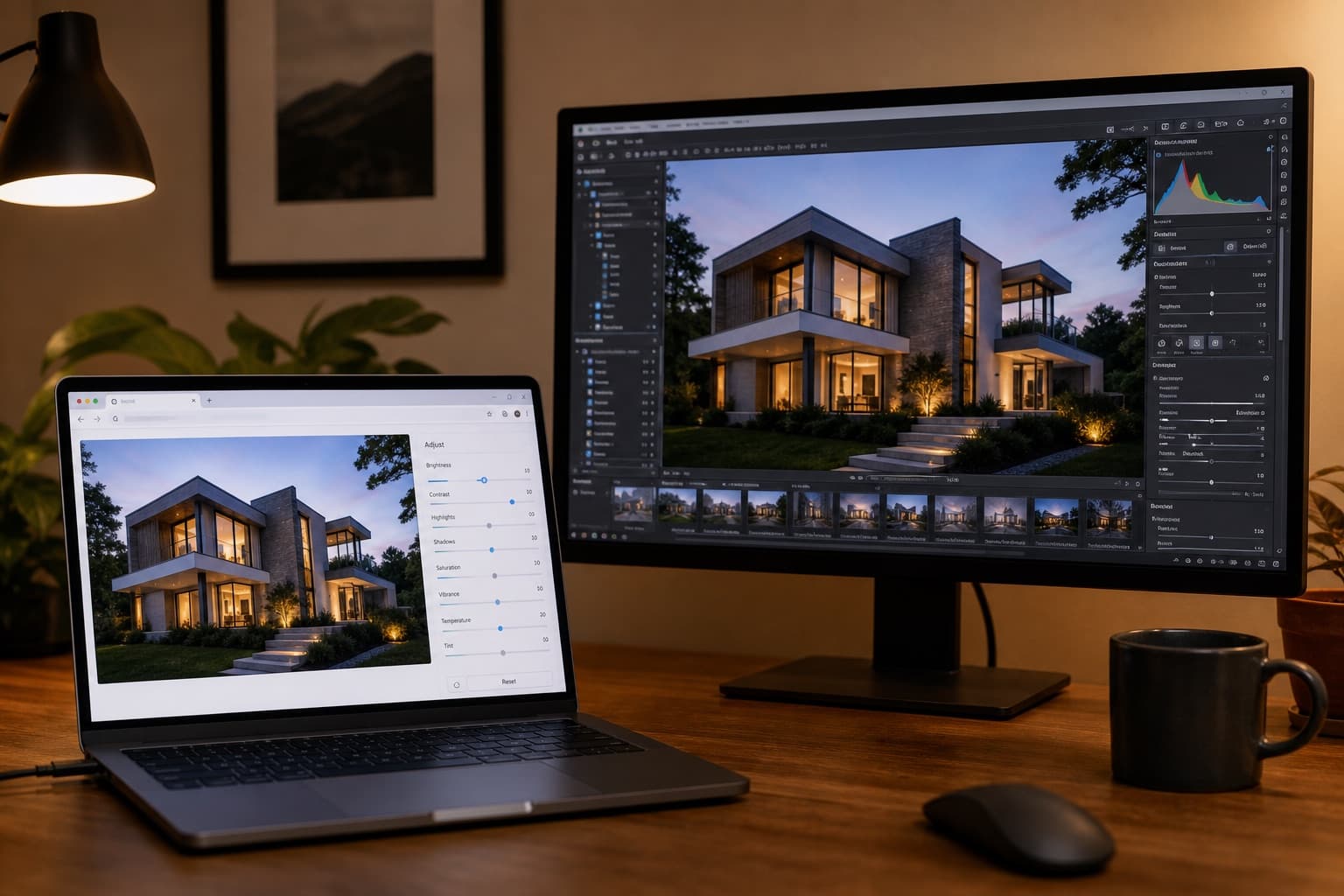
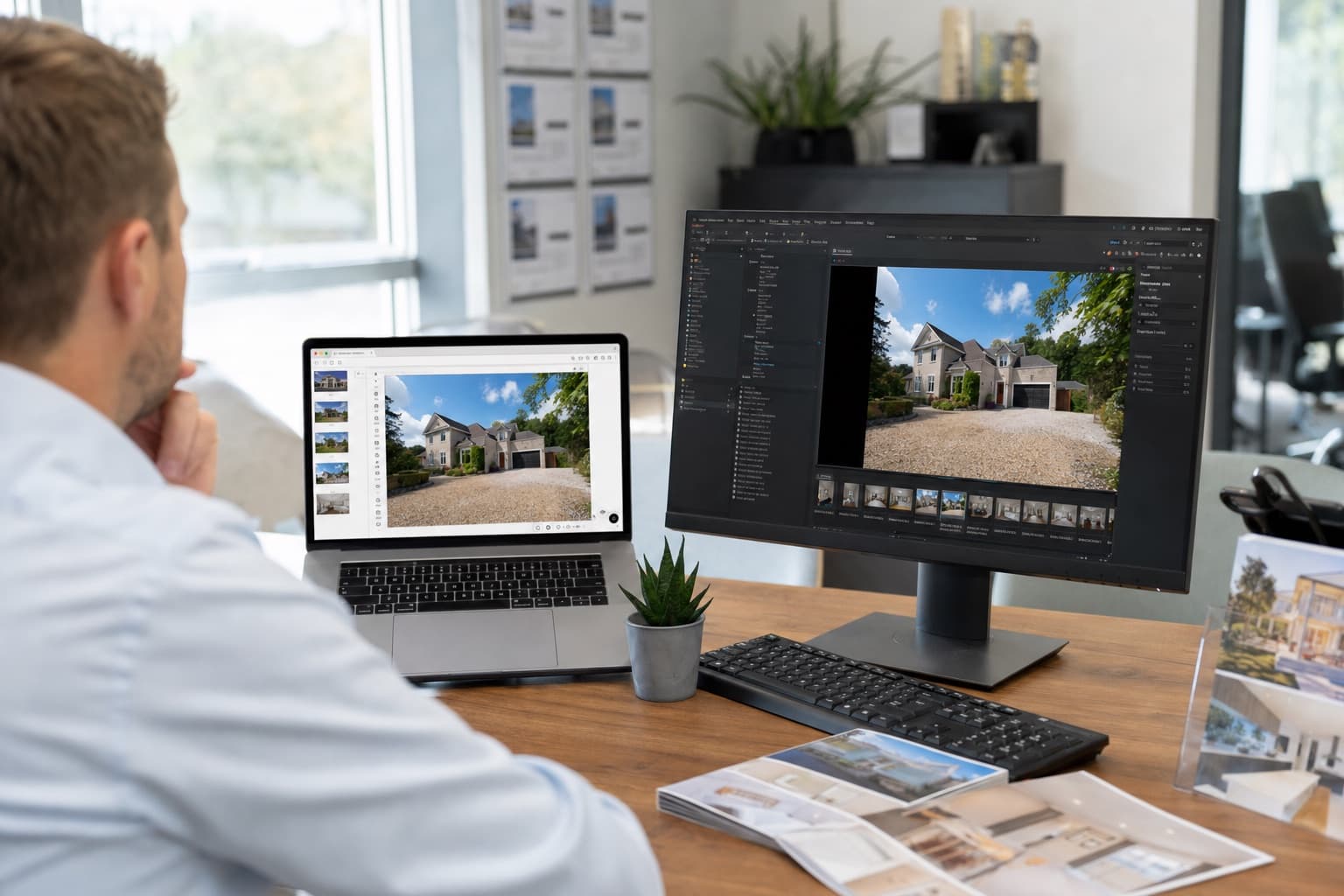
PhotoEdit Studio vs Canva for property images — a photo editor versus a design tool. Learn which to use to improve property photos and which to use for layouts.
By The PhotoEdit Studio Team · 12 March 2026
Quick answer
PhotoEdit Studio and Canva solve different problems. PhotoEdit Studio is a property photo editor for cropping, straightening, brightening and adjusting images. Canva is a design tool for posts, brochures and templates. To improve the photo itself, use PhotoEdit Studio; for layout and graphics, use Canva — ideally in that order.
Key takeaways
- PhotoEdit Studio edits the photo; Canva designs layouts.
- Canva's photo adjustments are basic by comparison.
- Both are free to start and run in the browser.
- Edit in PhotoEdit Studio first, then design in Canva.
- PhotoEdit Studio is tuned for property photos.
A photo editor and a design tool
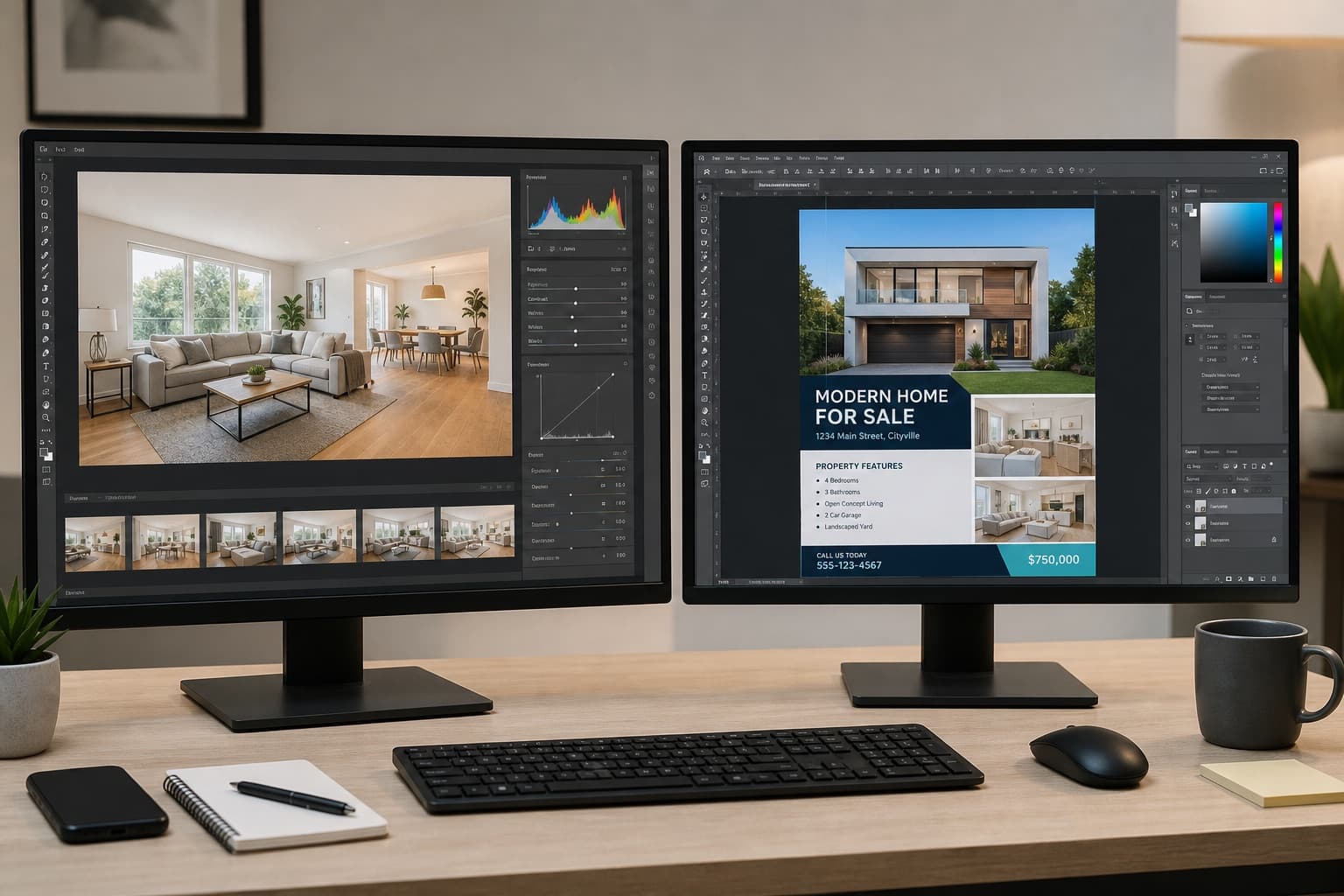
Canva is brilliant at design — turning templates into social posts, brochures and flyers without any design skills. But it is a layout tool, not a photo editor. Its image adjustments are light, and it cannot straighten a crooked room or recover a blown-out window properly.
PhotoEdit Studio is built for the photo itself: cropping, straightening, exposure, brightness, shadows, highlights and colour, all tuned for property interiors and exteriors.
Where each one wins
Use PhotoEdit Studio when the job is the photo:
- Straighten a leaning room or building
- Brighten a dark interior
- Recover detail in bright windows
- Crop for portals and tidy the edges
Use Canva when the job is the design:
- Add text, prices and branding
- Lay out a multi-photo brochure
- Build a social graphic from a template
The ideal workflow
The two work best together, in order. First, perfect the photo in PhotoEdit Studio. Then drop the finished image into Canva for any graphics. Starting from a clean, bright, level photo makes every Canva template look better.
See the full PhotoEdit vs Canva comparison for a side-by-side table.
Why order matters
If you design first and edit later, you end up reworking layouts around a photo that still needs straightening or brightening. Editing the photo first means the design is built on a finished image — faster, and better-looking.
Going further
Declutter or adjust the photo in PhotoEdit before you open Create Social Graphic. Decluttering uses credits and is explained on the declutter page. Furnishing an empty room is Virtual Staging Studio.
Summary
PhotoEdit Studio and Canva are complementary: one improves the photo, the other designs around it. For property images, edit in PhotoEdit Studio first, then design in Canva. Compare them in detail on the PhotoEdit vs Canva page.