How Property Photographers Can Use PhotoEdit Studio
How property photographers can use PhotoEdit Studio as a fast browser-based workflow for quick edits, client previews and on-the-go adjustments alongside their pro tools.
By The PhotoEdit Studio Team · 20 March 2026
Quick answer
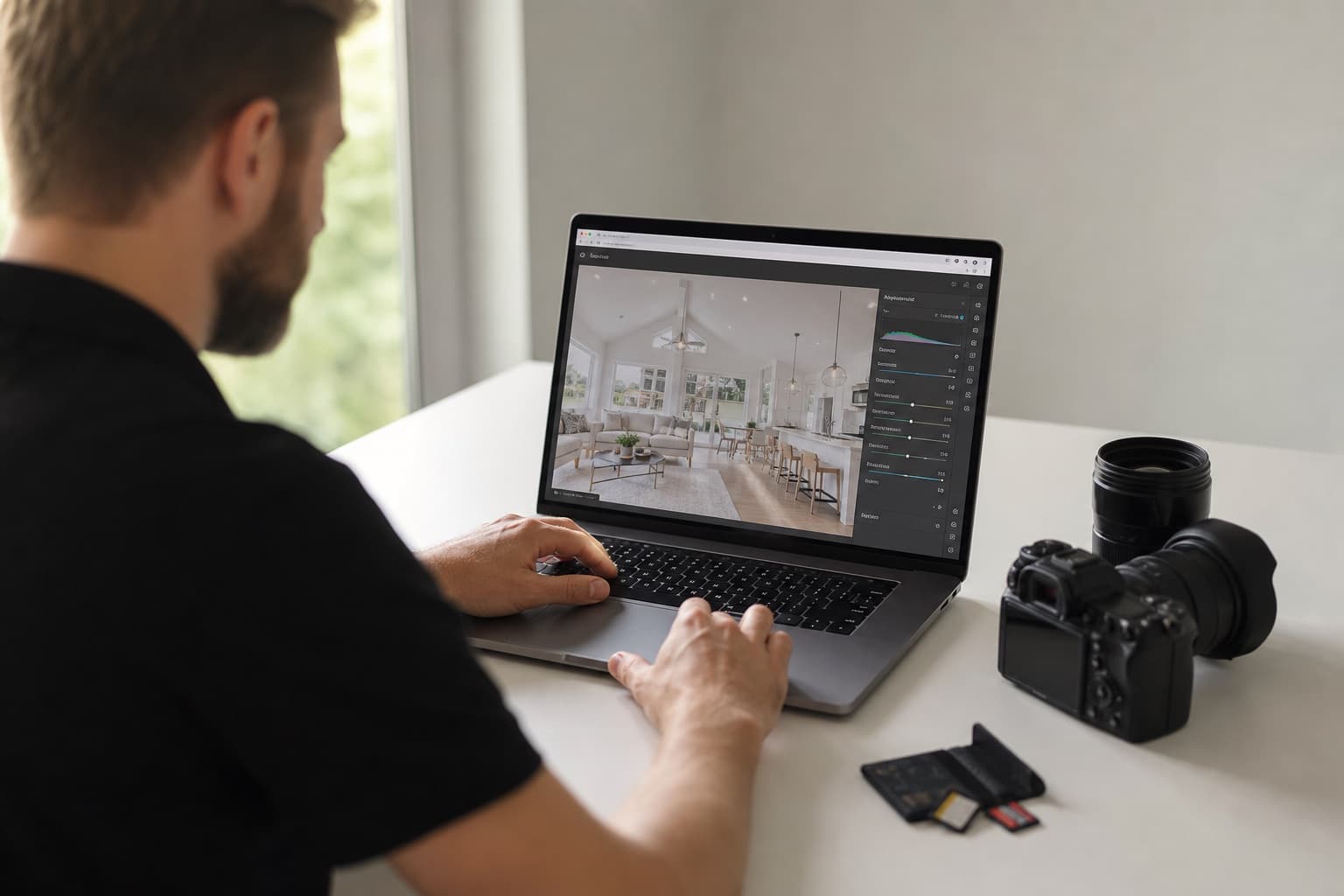
Property photographers can use PhotoEdit Studio as a fast browser-based workflow for quick crops, straightens, exposure tweaks and client previews. It complements professional software like Lightroom, opening instantly with no import so you can deliver a clean, marketing-ready image in seconds when speed matters.
Key takeaways
- PhotoEdit Studio is a fast lane alongside pro software.
- Ideal for quick crops, straightens and exposure tweaks.
- Great for on-site client previews and fast turnarounds.
- Connects to ReHub AI tools you can sell as add-ons.
- Free to use, so it adds no overhead to your kit.
A fast lane alongside your pro tools
Professional property photographers already have a core workflow, often built around Lightroom or Photoshop. PhotoEdit Studio is not there to replace it — it is a fast lane for the moments when speed matters more than depth.
Need to send a client a quick preview? Fix one image without firing up your catalogue? Edit between shoots on a laptop? That is where a free, instant browser editor for photographers earns its place.
Quick edits without the overhead
PhotoEdit Studio opens in the browser with no import, catalogue or render step. Crop, straighten and balance exposure with instant feedback, then export. For a single quick edit, it is far faster than launching a desktop suite.
Client previews on the spot
On a shoot, you can crop and straighten a hero shot and share a clean preview with the client before you leave — no waiting for a full edit. It is a simple way to reassure clients and speed up approvals.
When to stay in Lightroom
For RAW processing, large catalogues, batch presets and fine tonal control, Lightroom remains the better tool. See our PhotoEdit vs Lightroom comparison for where each fits. The point is not to switch — it is to add a faster option for quick jobs.
Turn add-ons into revenue
PhotoClear decluttering and sky tools are in the same PhotoEdit account, and they use ReHub credits. You can still offer Virtual Staging Studio, HyperDusk or ImageMotion when a client wants furniture, a dusk grade or a video. Those are separate apps.
Summary
Property photographers can use PhotoEdit Studio as a fast, free browser-based workflow for quick edits, previews and on-the-go adjustments — complementing their pro tools and opening up sellable AI add-ons. Try it in the free editor, or compare it with Lightroom.