How do you edit commercial property photos?
Crop to reframe, straighten verticals and lift brightness so offices, retail units and warehouses look clean and professional. PhotoEdit Studio does this in the browser for free.

For commercial property
Clean, professional imagery for offices, retail, industrial and mixed-use space. PhotoEdit Studio gives commercial property marketers free, browser-based editing to crop, straighten and brighten every shot.
Free account · No card · Manual editing is free
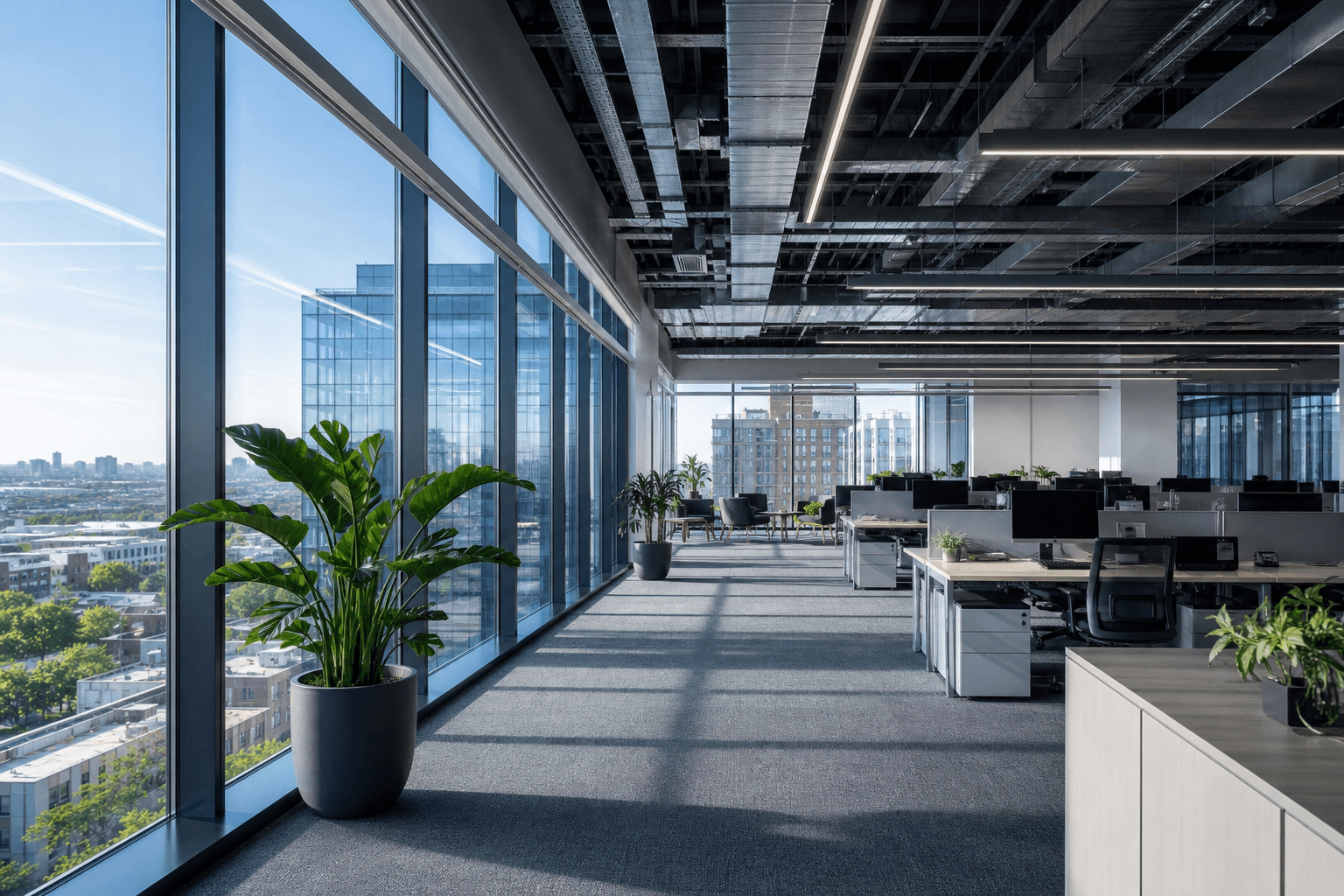 Free in your browser
Quick answer
Commercial property marketers use PhotoEdit Studio to produce clean, professional imagery for free. It lets you crop, straighten, brighten and balance photos of offices, retail units, industrial space and mixed-use buildings in the browser, helping particulars and brochures look polished and credible.
Crop to reframe, straighten verticals and lift brightness so offices, retail units and warehouses look clean and professional. PhotoEdit Studio does this in the browser for free.
Tall buildings and wide spaces often show leaning verticals. Straightening corrects this so the property looks composed and credible in particulars and brochures.
Yes. It runs in any browser with nothing to install, so commercial agency teams can use it on any computer.
Commercial property marketing relies on credibility. Investors, occupiers and agents judge a building by its particulars, and dull or distorted photos undermine confidence in an otherwise strong asset.
PhotoEdit Studio gives commercial marketers a free, browser-based way to bring imagery up to a clean, professional standard. Crop to reframe, straighten leaning verticals, brighten interiors and balance harsh lighting across offices, retail units, industrial space and mixed-use schemes.
With nothing to install and no design skills required, it fits straight into an agency or in-house marketing workflow, helping every brochure, particular and listing look polished and credible.
Step-by-step
From a free PhotoEdit account to a downloaded, marketing-ready image.
Sign in or register with email or Google. No card is required. The same ReHub login works across PhotoEdit and the other ReHub apps.
Drag and drop, browse or paste an image straight into the editor. JPG, PNG and WEBP are all supported — nothing to install.
Level the horizon, reframe the shot and fine-tune exposure, contrast, brightness and colour with simple sliders designed for non-designers.
Export a cleaner, well-composed photo for your portal, brochure or social post. Optional PhotoClear tools in the same editor may use credits.
For commercial
Correct leaning verticals so structures look composed and credible.
Lift exposure in offices and warehouses for an even, professional look.
Balance colour and contrast for understated, business-like imagery.
No licence to manage across an agency or in-house team.
Example use cases
Real ways property professionals put this to work every day.
Brighten and straighten workspace photos.
Crop and clean up shopfront and unit shots.
Even out lighting in warehouses and units.
Prepare consistent imagery for particulars.
A consistent routine keeps every asset looking credible.
For empty units, flat exteriors or marketing campaigns, the ReHub Studio ecosystem adds credit-powered options — Virtual Staging Studio to fit out empty space, HyperDusk to convert exteriors to dusk and ImageMotion to animate stills into video. Send images straight from PhotoEdit Studio when you need them.
FAQs
5 answers to the questions property professionals ask most.
Explore further
Create a free account, upload a photo and crop, straighten and brighten it into a cleaner, marketing-ready image. Manual editing is free — no card and no download.
Free account · No card · Manual editing is free