Can I replace the sky without leaving PhotoEdit?
Yes. Open the exterior, switch to the PhotoClear tab and choose Blue Sky or Sunset Sky. You do not send the file to another app.

PhotoClear in PhotoEdit
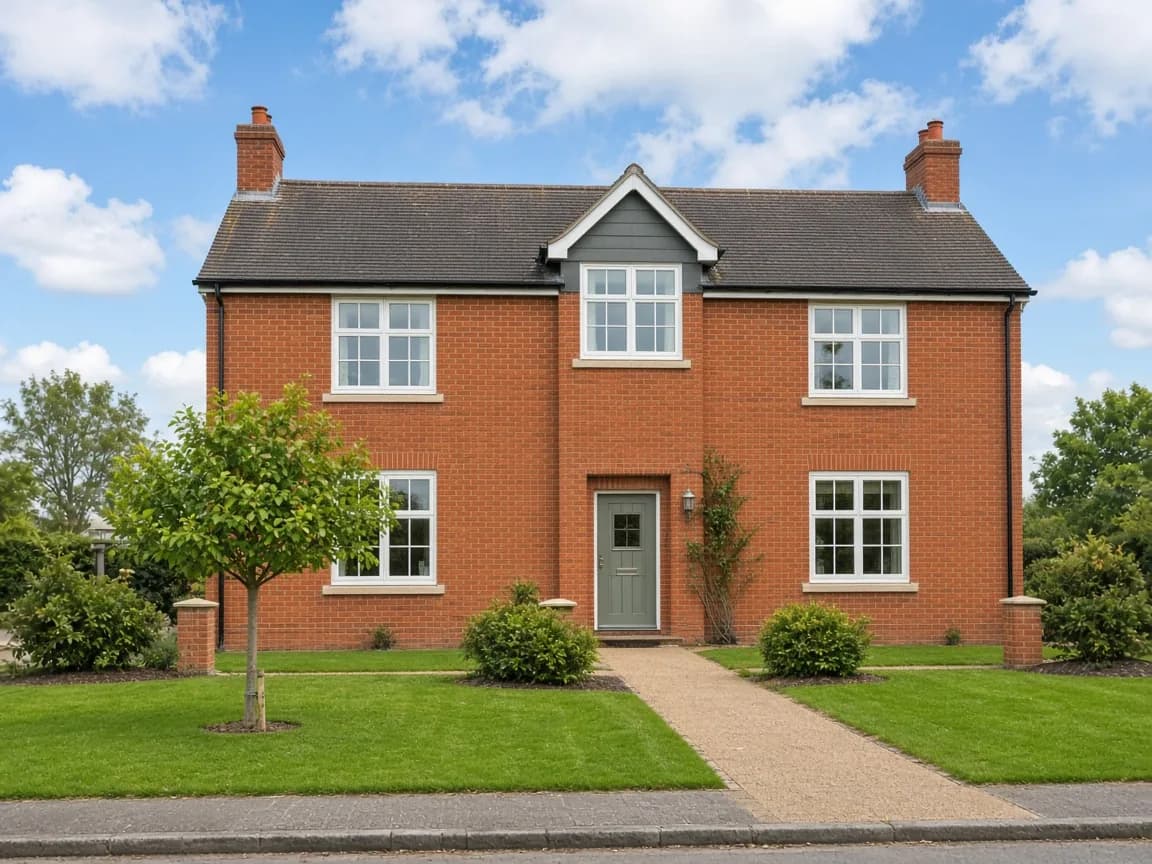
Flat grey exteriors and white windows are common listing problems. PhotoEdit includes blue sky, sunset sky and a subtle window-sky recovery on the PhotoClear tab. Each uses 1 ReHub credit. The free editor still handles exposure and highlights.
Free account · Sky tools are on the PhotoClear tab and use 1 credit each
 PhotoClear tab · 1 credit
Quick answer
Blue Sky in PhotoEdit replaces the sky in an exterior photo. You choose Soft, Clear, Deep, Cloudy or Bright, and it uses 1 ReHub credit. Sunset Sky is a separate 1-credit option with warmer styles. Window Sky is different again: a 1-credit, subtle recovery for completely blown-out glass, not a full sky pasted over the window. Try free highlight and shadow controls first, and do not use a new sky to misrepresent the property or its setting.
Yes. Open the exterior, switch to the PhotoClear tab and choose Blue Sky or Sunset Sky. You do not send the file to another app.
Blue Sky uses 1 ReHub credit. Sunset Sky uses 1. Window Sky uses 1. The control shows the cost before you run it.
No. Sky replacement is for the exterior sky. For a dark interior, use the free exposure, shadow and highlight controls first. Window Sky is only a subtle recovery for glass that has blown out to white.
An exterior shot on a flat day and an interior with a white window are not the same edit. Blue Sky and Sunset Sky replace the sky behind a building. Window Sky does not replace the room: it is a light recovery aimed only at areas of the glass that have clipped to white.
Both live on the PhotoClear tab, next to decluttering. Start on the Edit tab if a free highlight pull or a shadow lift is enough. Spend a credit when the sky or the glass still needs the AI tool.
A replaced sky should still look like a plausible photograph of that building. It does not move the house, and it should not be used to imply a view, a season or a setting the property does not have.
Step-by-step
Sky tools open from the PhotoClear tab. There is no separate blue-sky website.
Create a free account and upload the exterior or the interior. Crop and straighten first if the frame is crooked — that part is free.
On the Edit tab, ease highlights to hold window detail and lift shadows in the room. Export here if the photo is already balanced.
For an exterior, open PhotoClear and choose Blue Sky or Sunset Sky, then a style. For blown-out glass only, choose Window Sky.
Confirm the walls, roof, trees and window frames still match the original. Download only if the photo remains a fair picture of the property.
Supported sky tools
Replaces an exterior sky. Styles are Soft, Clear, Deep, Cloudy and Bright. Lighting on the building is meant to stay believable.
Replaces the exterior sky with a warmer treatment: Golden, Orange, Pink, Fire, Pastel or Twilight.
A subtle recovery for completely overexposed glass. It is not meant to fill the whole window or change frames, curtains or the room.
Pulling highlights and opening shadows on the Edit tab uses no credits and is the right first step for most dark rooms.
Example use cases
Real ways property professionals put this to work every day.
Replace a flat sky when the house, garden and roofline should stay as shot.
Sunset styles are a deliberate mood. Say so if the photo is no longer the conditions on the day.
Use free highlights first. Window Sky is for glass that has already clipped.
For highlighting a plot rather than changing the sky, use Spotlight. That tool is free.
Blue Sky is instructed to preserve architecture, trees and landscaping and to match lighting to the new sky. That is the aim, not a guarantee. Compare rooflines, chimneys and neighbouring buildings with the original before you publish.
Sunset styles are more interpretive. If you use one, treat it as a styled image and do not present it as the weather on the day of the viewing unless that is true.
Day-to-dusk conversion of a whole exterior, with lights and a twilight grade, is HyperDusk — a separate ReHub app. It is not the same as Blue Sky or Sunset Sky inside PhotoEdit.
A dim lounge is usually fixed with exposure, shadows and a careful highlight pull so the window does not bloom. Brighten and Enhance on the PhotoClear tab is a separate 1-credit grade that is designed to lift light and colour without moving objects. It is not a sky replacement.
There is a practical walkthrough for dark rooms and window detail in the blog.
Compare
| Factor | Blue Sky or Sunset Sky | Window Sky |
|---|---|---|
| Photo | Exterior | Interior with bright glass |
| What changes | The sky behind the building | Only blown-out areas in the glass |
| Credits | 1 | 1 |
| Free alternative | Exposure and contrast on Edit | Highlights and shadows on Edit |
| Honesty check | Building and setting still match | Frames and room stay untouched |
FAQs
5 answers to the questions property professionals ask most.
Explore further
Create a free account, upload the photo and open the PhotoClear tab for blue sky, sunset or window recovery. Manual light controls stay free.
Free account · Sky tools are on the PhotoClear tab and use 1 credit each