How to Brighten a Dark Room Photo While Retaining Window Detail
Lift a dark interior in PhotoEdit with free shadow and highlight controls, and use window sky only when the glass has already blown out.
By The PhotoEdit Studio Team · 16 October 2026
Quick answer
Brighten a dark room in PhotoEdit on the free Edit tab. Raise exposure until the room is readable, open shadows for the corners, and pull highlights down so the window does not turn white. If the glass is already clipped, Window Sky on the PhotoClear tab is a 1-credit, subtle recovery for those blown-out areas only. Blue Sky is for exterior skies, not for indoor windows.
Key takeaways
- Start with free exposure, shadows and highlights.
- Pull highlights before you keep lifting the whole photo.
- Window Sky uses 1 credit and is only for glass that has blown out.
- Blue Sky replaces an exterior sky. It does not fix a dark lounge.
- Stop when the room looks like the room, not a different time of day.
Why the window blows out
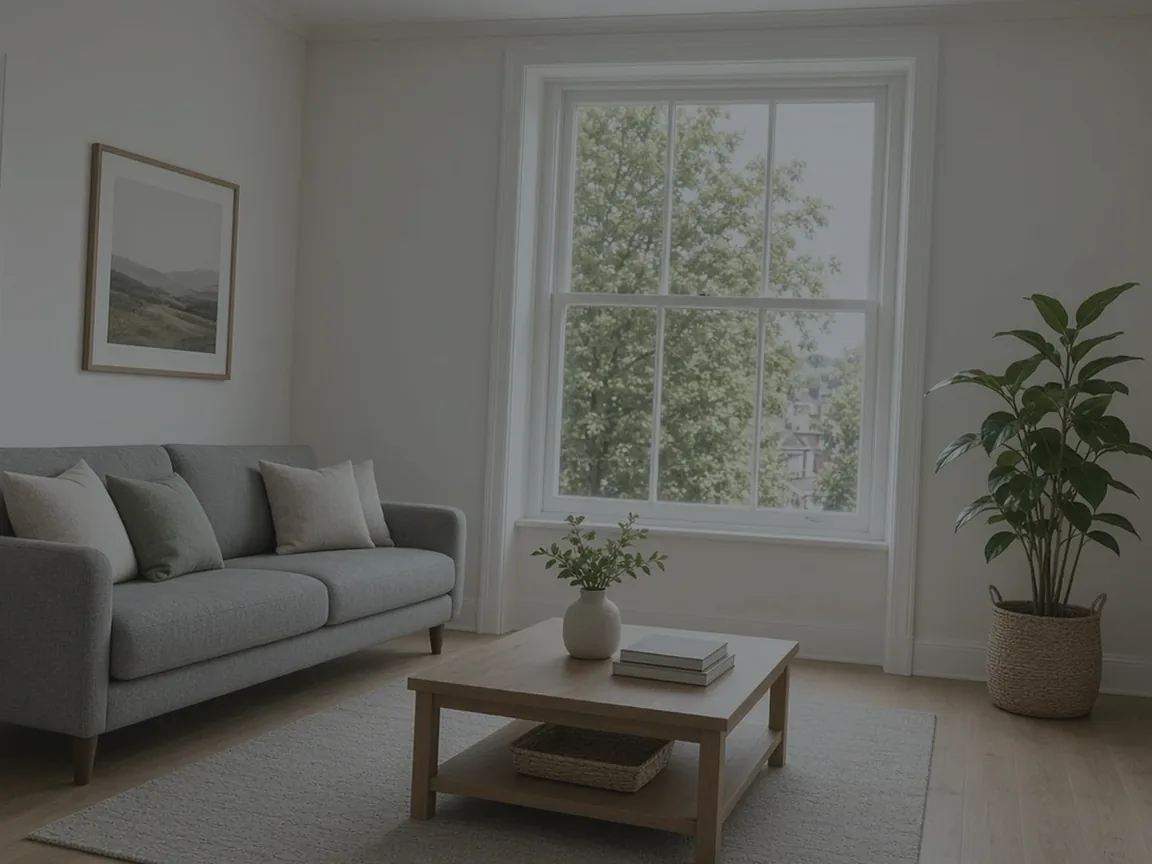
A camera exposes for something. If it exposes for the sofa, the garden outside the glass is often many stops brighter and records as white. If it exposes for the garden, the room goes dark. You usually receive the dark-room version and then try to lift it.
PhotoEdit’s free controls can rebalance that single file. They cannot restore detail that was never recorded. If the glass is a flat white with no frame of tone left in it, no slider will invent the garden. A subtle recovery might help the edge of the blow-out. A made-up view will not.
The free sequence
Open the photo from the property photo editor.
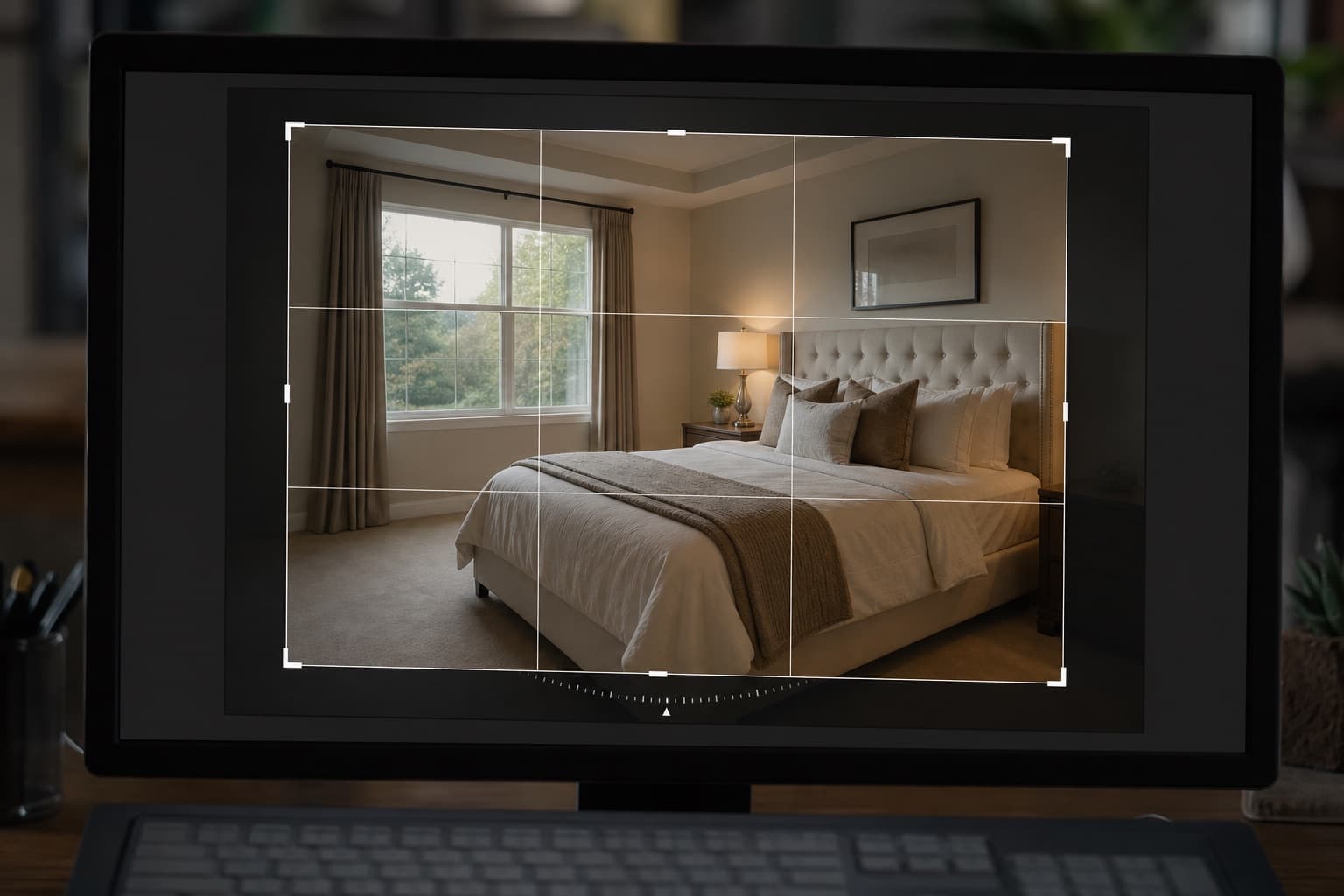
- Straighten and crop if the room is leaning. Do this before the grade so you are not protecting edges you will cut off.
- Lift exposure or brightness until faces of cabinets and sofas are readable. Stop before the window flares.
- Open shadows to show the corners and the floor. This is usually more useful than another exposure push.
- Pull highlights until the window frame separates from the glass and any remaining outdoor tone comes back.
- Add a little contrast if the midtones look grey, then correct white balance so the walls match the paint you saw on site.
Compare with the original using the editor’s before/after view. The room should look brighter, not like a different hour.
When a credit is worth it
Window Sky is on the PhotoClear tab and uses 1 ReHub credit. It is aimed at completely overexposed areas of glass, and it is meant to stay subtle: a hint of sky in the white, not a new view pasted over the window. Frames, curtains and the room should stay put. Read the blue sky and window page before you run it, because Blue Sky and Sunset Sky are exterior tools and will not fix this interior.
Brighten and Enhance is a separate 1-credit PhotoClear grade. It is designed to lift lighting and colour without moving objects. Use it after the free sliders if the photo is still flat, and reject it if the colour no longer matches the materials.
Do not run a sky replacement on an interior and hope the lounge improves. If you also need the exterior sky changed, that is a different photo and a different 1-credit Blue Sky action.
What “enough” looks like
You are finished when someone can see the room and still see that there is a window, even if the garden is not pin-sharp. Chasing a perfect outdoor view from one dark file is how photos start to look artificial.
Export when the balance is honest. Start Editing Free on the property photo editor opens PhotoEdit so you can try the free sliders on your own frame first.