How to Crop and Straighten Property Photos
A simple guide to cropping and straightening property photos online for free — level rooms, fix verticals and reframe shots for cleaner, more professional listings.
By The PhotoEdit Studio Team · 16 February 2026
Quick answer
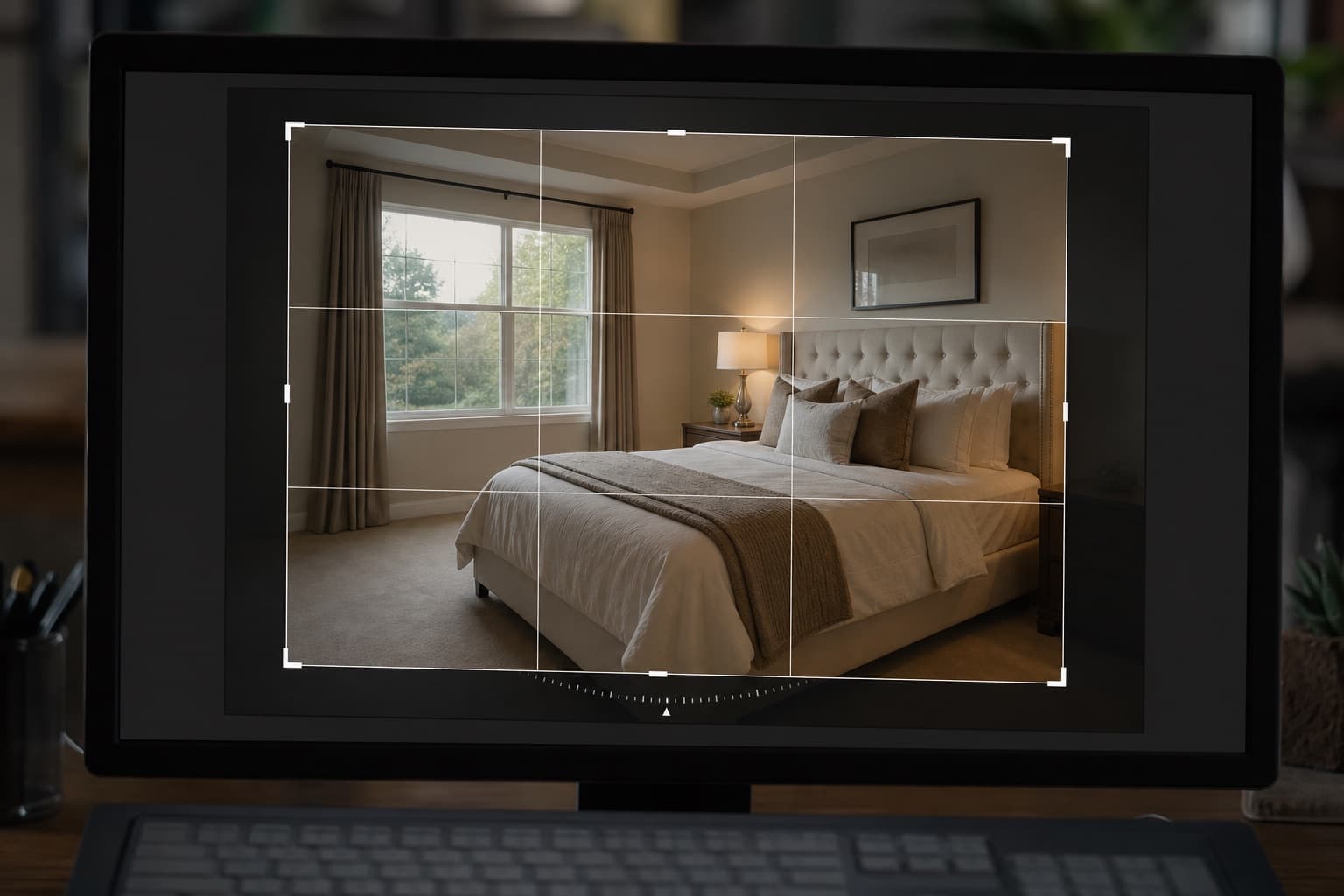
To crop and straighten property photos, open a free browser editor like PhotoEdit Studio, use the straighten tool to level the horizon and fix leaning verticals, then crop to reframe the shot and match a portal-friendly ratio. Both steps take seconds and instantly make a photo look more composed and professional.
Key takeaways
- Straightening levels horizons and fixes leaning verticals.
- Cropping reframes the shot and tidies the edges.
- Do both first, before adjusting light and colour.
- Crop to portal-friendly ratios for listings.
- Both tools are free in PhotoEdit Studio.
Why crop and straighten first
Composition is the foundation of a good property photo, so cropping and straightening should come before any light or colour edits. Get the framing right first, then refine the image on top of it.
These two edits also deliver the biggest visible improvement for the least effort. A level, well-framed photo looks professional even before you touch brightness or colour.
Straightening, step by step
Open your photo in PhotoEdit Studio and use the straighten tool:
- Find a reference line — a horizon, a wall edge or a door frame
- Adjust until horizontals are level and verticals are upright
- Check the corners so nothing important is cut off
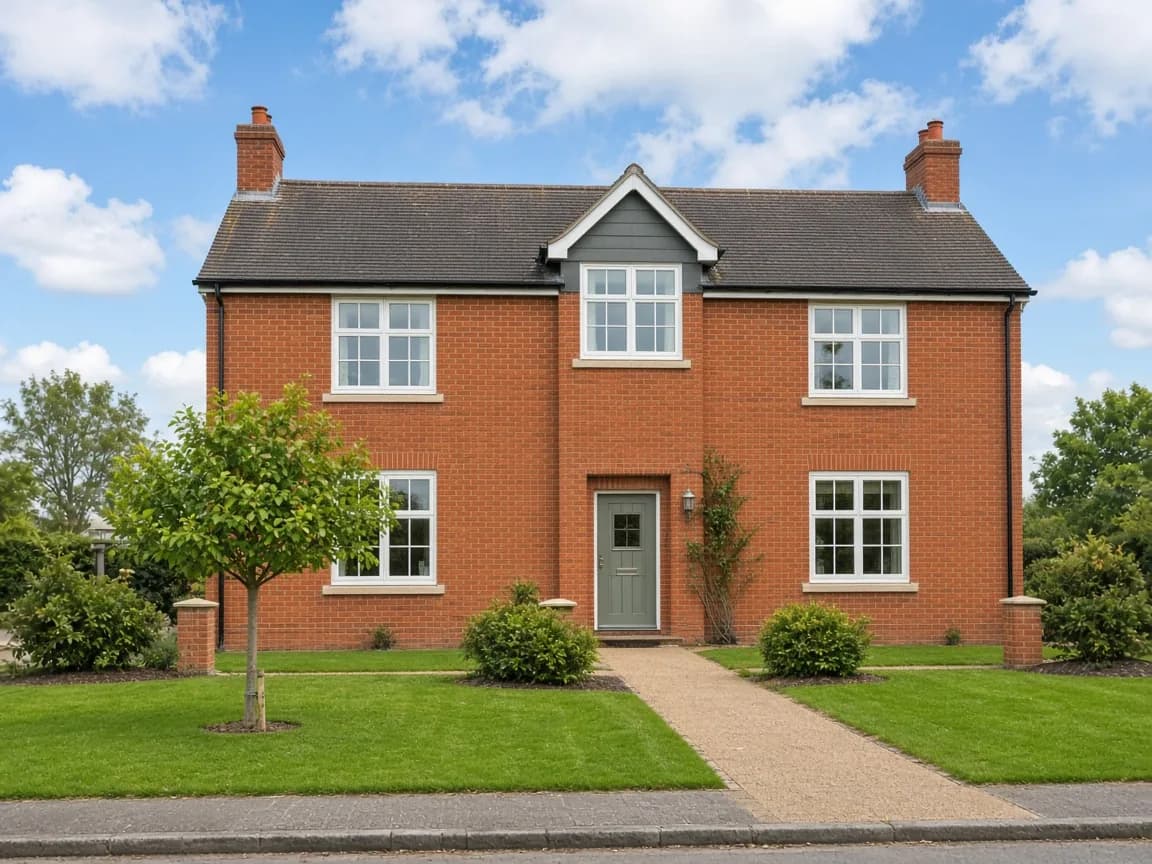
On exteriors, watch for leaning buildings caused by tilting the camera up. On interiors, line up wall and window edges so the room sits square.
Cropping, step by step
Next, crop to reframe:
- Choose a portal-friendly ratio such as 4:3 or 3:2
- Position the frame so the property fills it
- Trim distractions at the edges — bins, cars, clutter
- Leave a little breathing room so the space does not feel cramped
A deliberate crop guides the buyer's eye to the room, not the mess around it.
A quick transformation
Straightening and cropping alone can transform a photo. Try it in the free online photo editor and crop, straighten and brighten a property photo in minutes.
What comes next
With composition fixed, move on to brightness, exposure and colour — see our guide on how to edit property photos online for the full workflow.
Summary
Cropping and straightening are the two highest-impact edits for property photos, and both are free and instant in PhotoEdit Studio. Straighten first, then crop to reframe. Try it in the property photo editor.