How to Edit Property Listing Photos from Upload to Export
A practical PhotoEdit workflow from upload to export: free crop and light adjustments, then optional PhotoClear tools, with a check that the photo still matches the home.
By The PhotoEdit Studio Team · 24 January 2026
Quick answer
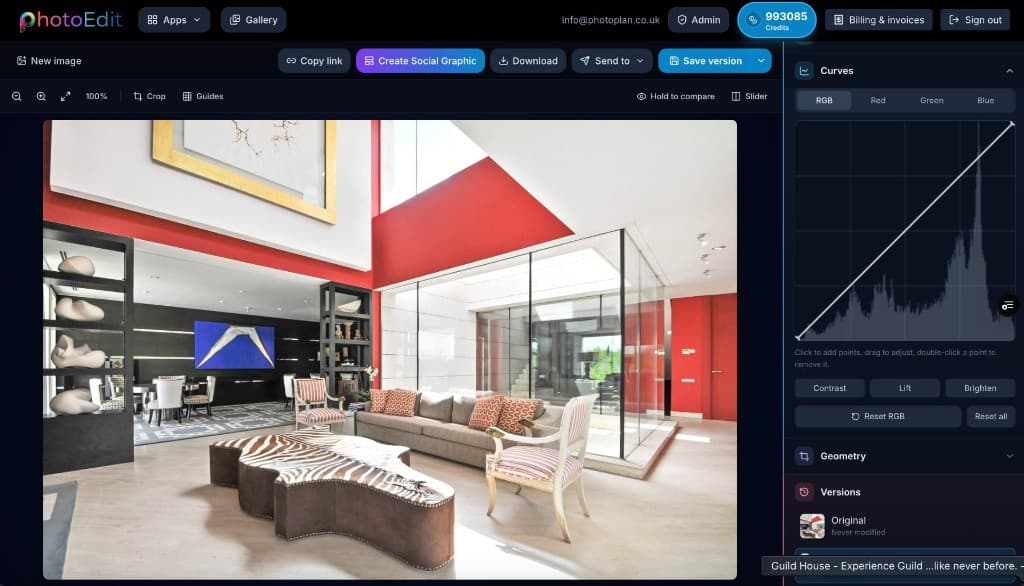
To edit a listing photo in PhotoEdit, create a free account, upload the image, then crop and straighten before you touch colour. Lift shadows and pull highlights on the free Edit tab. Use the PhotoClear tab only if you still need a declutter or a sky change — those actions use ReHub credits. Export a JPEG and check your portal’s current size guidance before you upload it.
Key takeaways
- Create a free account, then upload. Manual edits do not use credits.
- Crop and straighten before exposure and colour.
- Hold window detail with highlights rather than lifting the whole frame blindly.
- PhotoClear decluttering and sky tools are in the same editor and use credits.
- Export, then follow the size rules published by the portal or your CRM.
Before you open the file
Decide what the photograph is for. A portal hero, a brochure crop and an Instagram post can share a source image, but they should not share one careless export. Keep the original from the camera or phone. PhotoEdit does not overwrite that file.
Create a free account and upload from the property photo editor. JPG, PNG and WEBP are the formats the editor accepts.
Step 1: Frame it
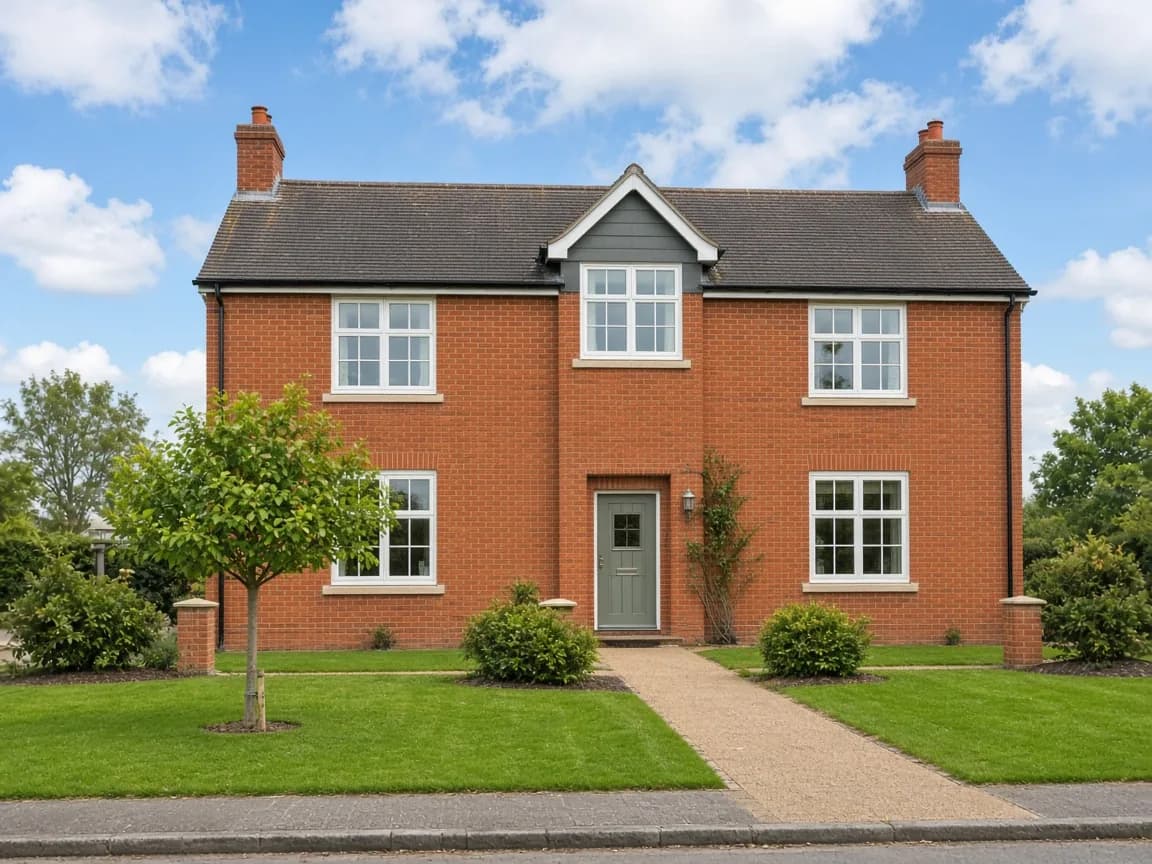
Crop first. Remove a sliver of ceiling, a wheelie bin at the edge, or a tilted foreground that does not help the room. Then straighten so verticals on door frames and the elevation sit upright.
If you straighten after you have already graded the colour, you will often crop again and lose the edges you liked. Geometry first.
Step 2: Light, on the free Edit tab
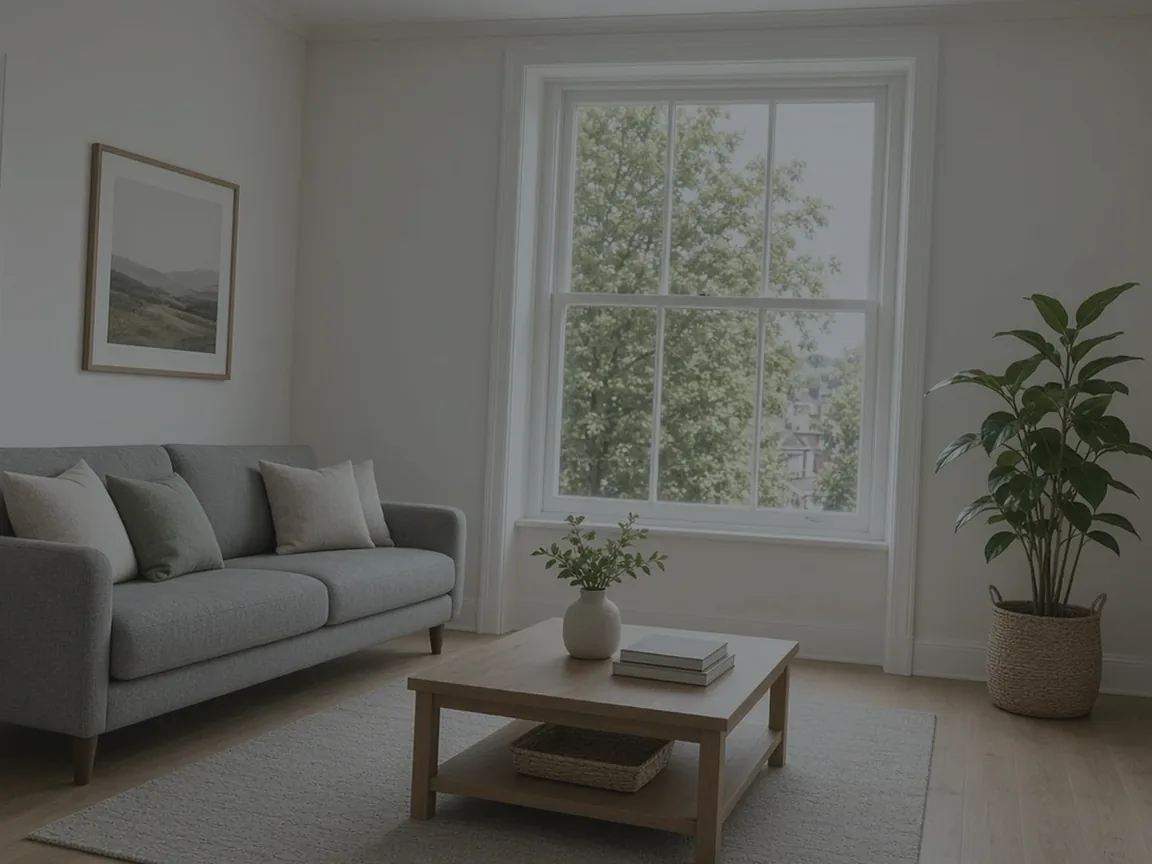
Most interiors are dark in the corners and bright at the glass. Raise exposure or brightness only until the room is readable. Open shadows to show the floor and furniture. Pull highlights back so the window keeps some detail instead of turning into a white block.
That highlight pull is free. If the glass is already pure white and a subtle recovery would help, window sky on the PhotoClear tab is a separate 1-credit action. It is not a substitute for the sliders. There is a longer walkthrough in how to brighten a dark room photo.
Step 3: Colour, lightly
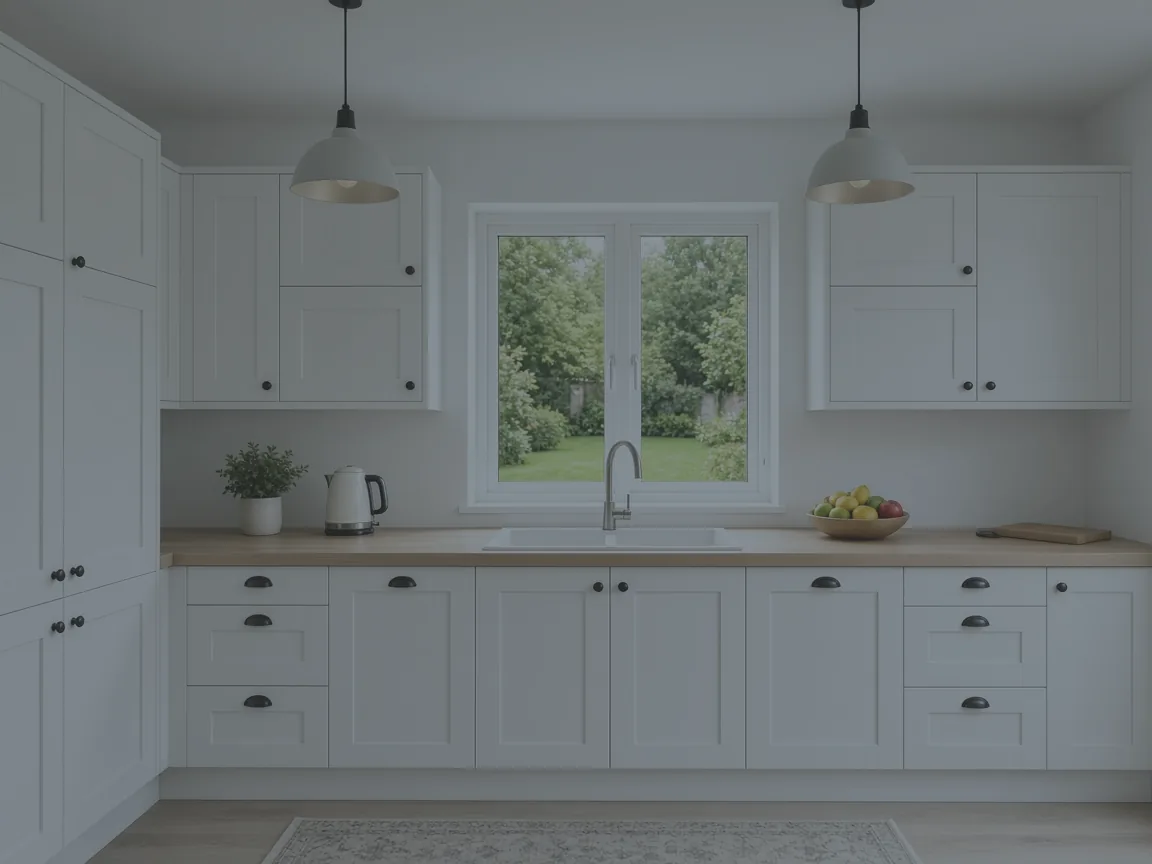
Set white balance so walls are not green or orange, then add a little contrast if the photo looks flat. Saturation should stay close to the materials in the room. A grey kitchen should not become a blue one.
Work through a set with the same approach so the living room and the kitchen do not look like different houses.
Step 4: PhotoClear, only if the photo still needs it
Stay in PhotoEdit. Open the PhotoClear tab.
- Declutter when the problem is movable mess. Light is 1 credit, medium is 2, full is 3. The decluttering page explains what each strength is aimed at, and why you should reject a result that hides damage.
- Blue sky or sunset sky when the exterior sky itself is the problem. Each is 1 credit. Do not use them to invent a setting the property does not have.
- Other 1-credit tools on the same tab include tidy garden, bins, cars, straighten bed or sofa, and brighten and enhance.
Furnishing an empty room is not one of these tools. That is Virtual Staging Studio, a separate app.
Step 5: Review, then export
Compare with the original. Walls, windows, flooring and the things a buyer needs to see should still be the property you are marketing. If a PhotoClear pass has invented a skirting board or removed a stain you did not mean to hide, undo it.
Export a JPEG for the listing. Portals and CRMs publish their own size and file-type rules, and those rules change, so check the current guidance before you upload rather than trusting a fixed pixel size. Social sizes inside Create Social Graphic — for example Instagram Square at 1080 × 1080 — are for posts, not for the portal photograph.
Where to go next
The free editor is the start of every job. Use Start Editing Free on that page to open PhotoEdit, then follow the steps above on your own photo.