How can I improve my Airbnb photos?
Brighten dark rooms, straighten crooked shots and crop to highlight the best features. PhotoEdit Studio does all three for free in the browser, helping your listing look more inviting.

For holiday lets & Airbnb
Brighter, cleaner short-stay listing photos help your property stand out. PhotoEdit Studio gives holiday let and Airbnb hosts free, browser-based editing to crop, straighten and enhance every room.
Free account · No card · Manual editing is free
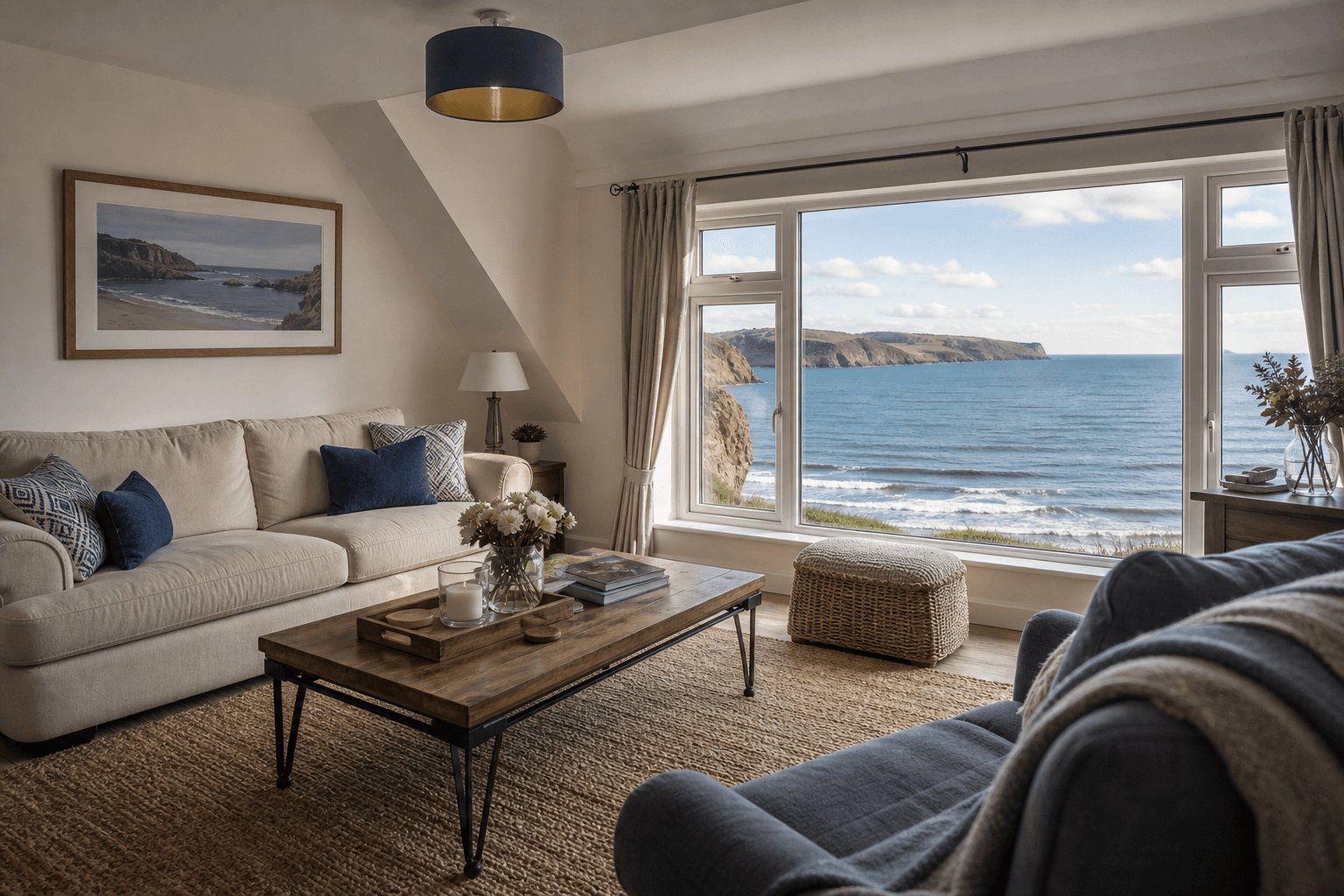 Free in your browser
Quick answer
Holiday let and Airbnb hosts use PhotoEdit Studio to improve short-stay listing photos for free. It lets you brighten dark rooms, straighten shots and crop for booking platforms in the browser, helping your property look inviting and stand out in search results — no software or design skills needed.
Brighten dark rooms, straighten crooked shots and crop to highlight the best features. PhotoEdit Studio does all three for free in the browser, helping your listing look more inviting.
Bright, clean, well-composed photos help a short-stay listing stand out and create a better first impression, which can help attract more interest and bookings.
Yes. The core editor is free in the browser. Optional AI tools from ReHub Studio may use credits if you want to declutter or stage a room.
On short-stay platforms, guests choose with their eyes. A bright, welcoming photo of your living space or view can be the difference between a click and a scroll-past — but most hosts are working with phone photos that look a little dark, flat or crooked.
PhotoEdit Studio helps you fix that for free. Brighten dim rooms, straighten wonky shots, balance bright windows and crop to show off your best features, all in the browser with simple tools designed for non-designers.
A few minutes of quick edits can help your property look more professional and inviting across Airbnb, Booking.com, your direct site and social media — helping your listing stand out where it matters.
Step-by-step
From a free PhotoEdit account to a downloaded, marketing-ready image.
Sign in or register with email or Google. No card is required. The same ReHub login works across PhotoEdit and the other ReHub apps.
Drag and drop, browse or paste an image straight into the editor. JPG, PNG and WEBP are all supported — nothing to install.
Level the horizon, reframe the shot and fine-tune exposure, contrast, brightness and colour with simple sliders designed for non-designers.
Export a cleaner, well-composed photo for your portal, brochure or social post. Optional PhotoClear tools in the same editor may use credits.
For hosts
Lift exposure and balance colour so spaces look welcoming.
Crop and straighten to highlight the view, the kitchen or the design.
Export a clean image for the listing, your site and social, and check each platform’s current size guidance.
No software, no cost and no learning curve — just better photos.
Example use cases
Real ways property professionals put this to work every day.
Edit every room before you publish.
Brighten photos ahead of peak booking periods.
Prepare clean hero images for your own site.
Resize and enhance photos for social posts.
A simple routine helps every room look its best.
If a room is cluttered, open the PhotoClear tab in PhotoEdit and declutter there. Light uses 1 credit, medium 2 and full 3. An empty room that needs furniture is Virtual Staging Studio. A short video is ImageMotion. Those last two are separate apps and may use credits. Everyday editing in PhotoEdit stays free.
FAQs
5 answers to the questions property professionals ask most.
Explore further
Create a free account, upload a photo and crop, straighten and brighten it into a cleaner, marketing-ready image. Manual editing is free — no card and no download.
Free account · No card · Manual editing is free