Property Photo Editing Tips for Estate Agents
Practical property photo editing tips for estate agents — straightening, brightening, cropping and exposure to make every listing look more professional.
By The PhotoEdit Studio Team · 2 February 2026
Quick answer
The most effective property photo editing tips for estate agents are simple: straighten every room, lift brightness, balance bright windows, crop for portals and keep colour natural. Applied consistently in a free editor like PhotoEdit Studio, these quick edits help every listing create a cleaner, more professional first impression.
Key takeaways
- Straighten every room and exterior — it has the biggest impact.
- Brighten interiors but keep windows from blowing out.
- Crop to portal-friendly ratios and tidy the edges.
- Keep colour natural and honest, not over-processed.
- Apply the same edits consistently across a listing.
1. Straighten everything
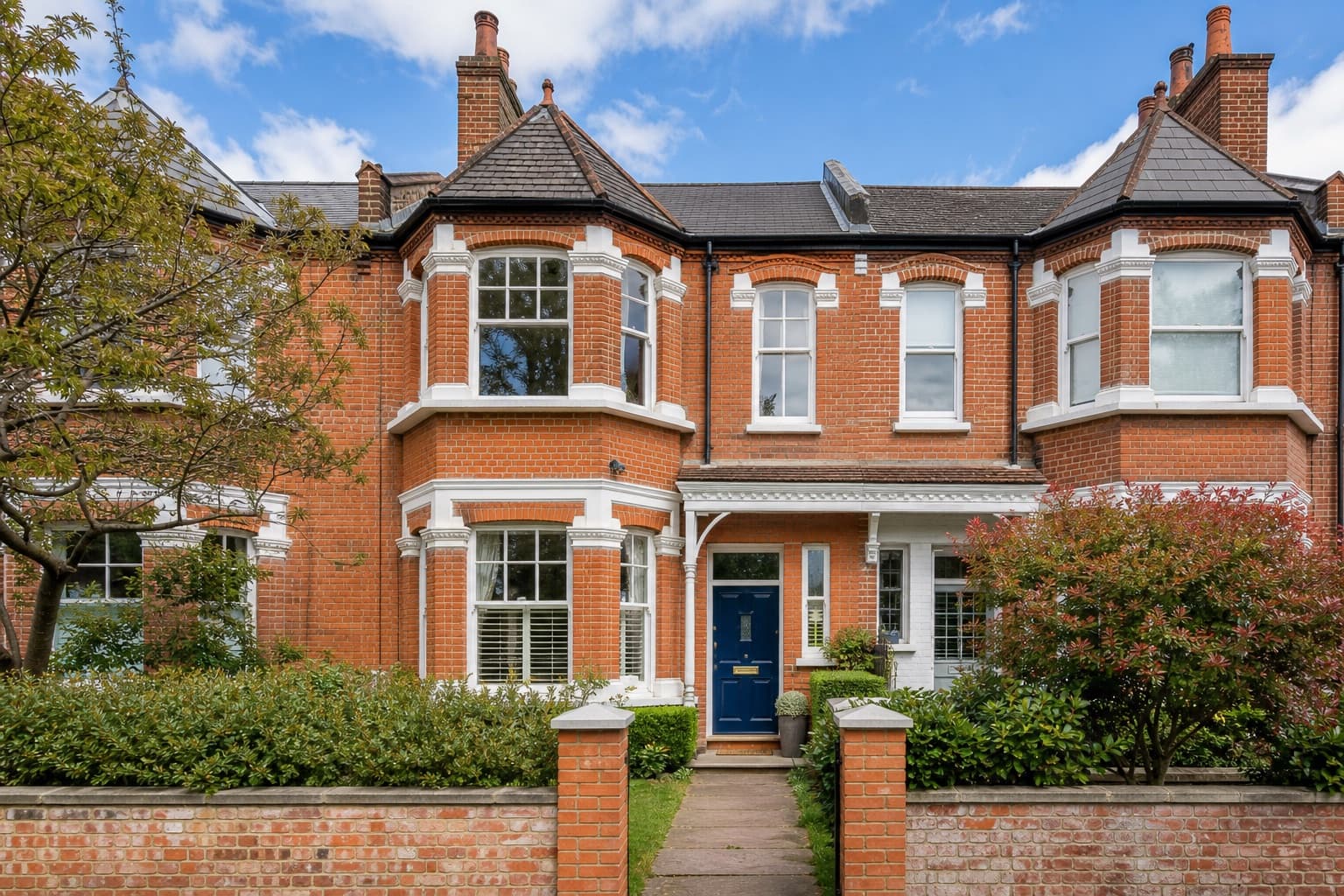
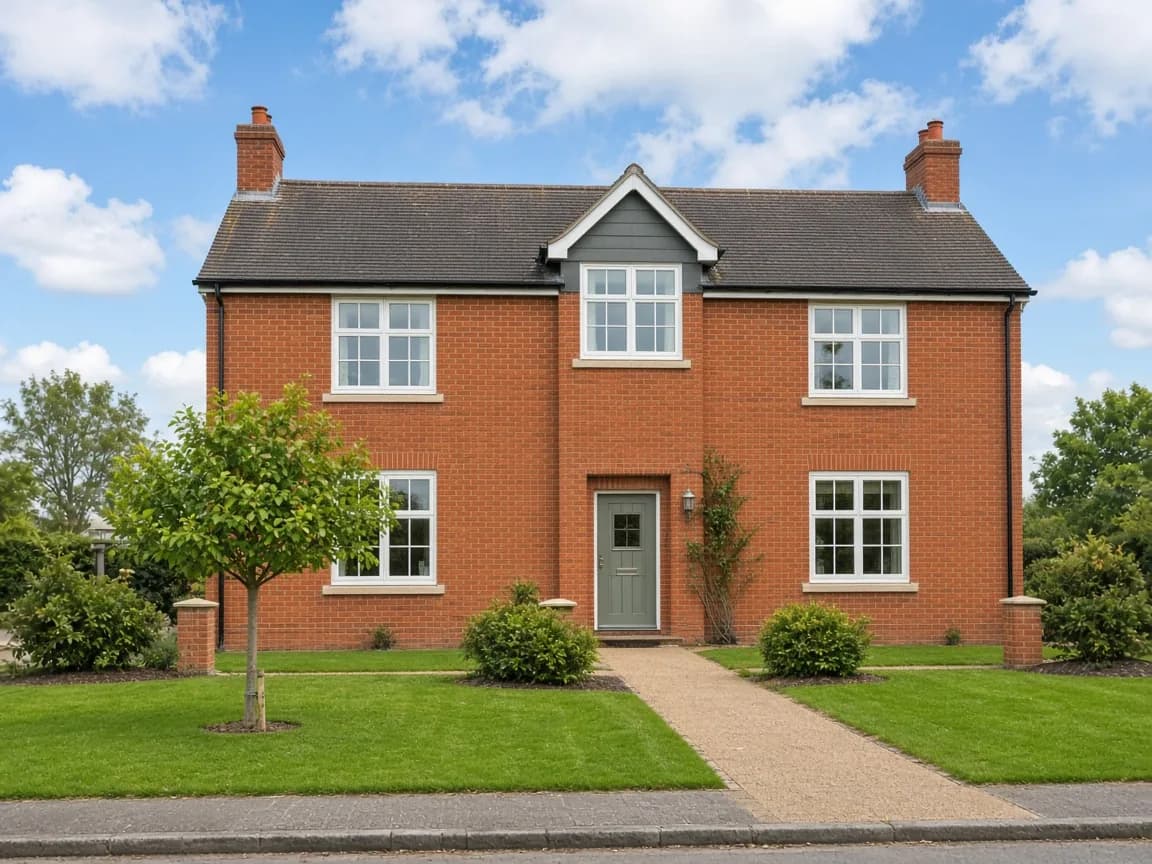
The fastest way to make a photo look more professional is to straighten it. A level horizon and upright verticals signal care and quality. Crooked rooms, by contrast, look amateur even when everything else is right. Make straightening the first edit on every photo.
2. Brighten — but keep the windows
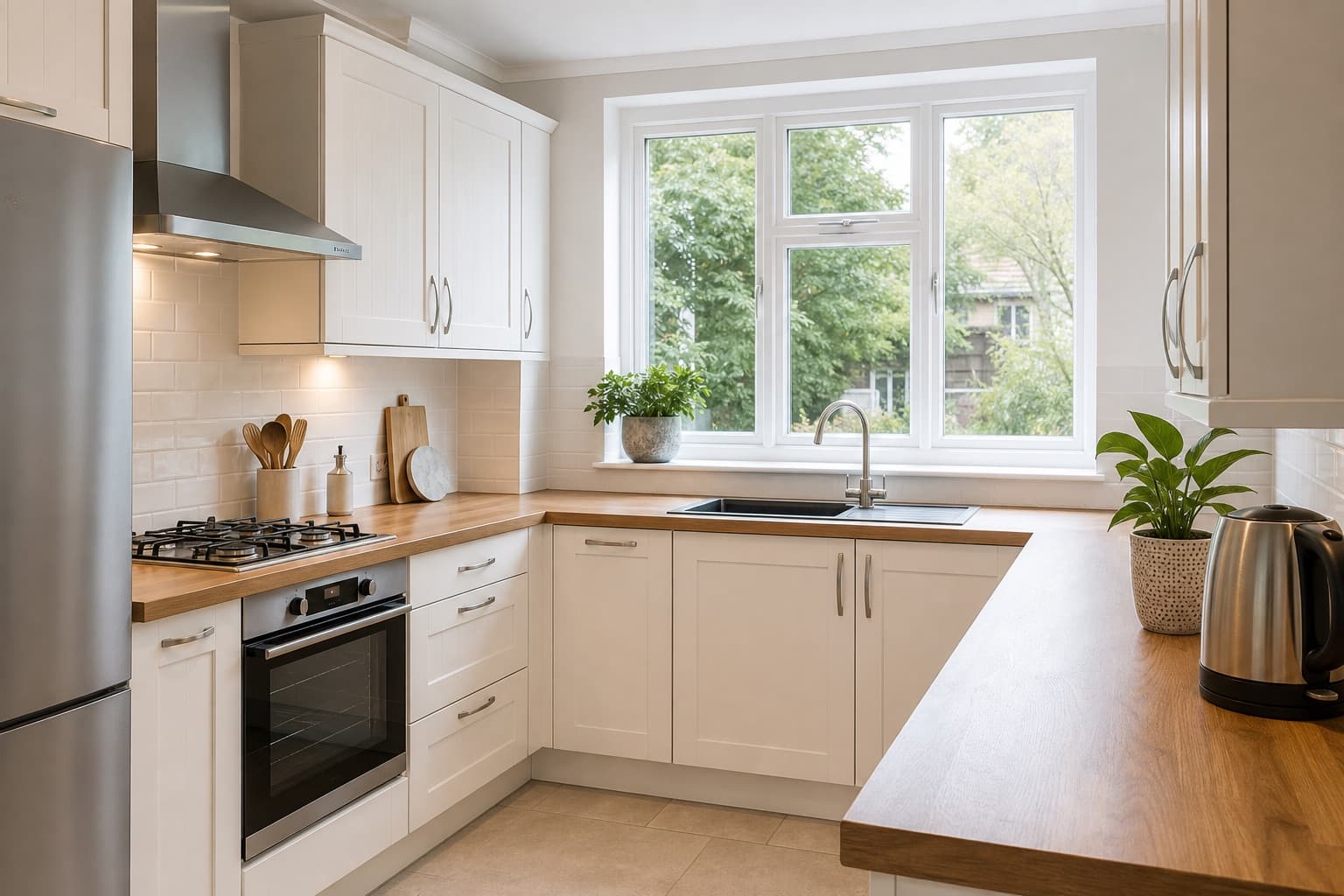
Dark interiors feel unwelcoming. Lift brightness and exposure, and open shadows to reveal detail in corners. The catch is bright windows: push exposure too far and they blow out to white. Use highlight recovery to keep the view and the light balanced.
3. Crop with intent
Crop to a portal-friendly ratio and reframe so the property fills the frame. Remove clutter and distractions at the edges. A tighter, more deliberate crop draws the eye to the space rather than the bins or the parked car.
4. Keep colour natural
Correct white balance so whites look white and the room feels neutral. Use saturation gently — rich but realistic. Over-saturated photos look fake and can erode trust with buyers when they visit.
5. Be consistent
A listing looks most professional when every photo matches. Apply the same approach — crop, straighten, brightness, colour — to each image so the gallery feels cohesive across portals, brochures and social.
6. Edit on a sensible workflow
Build editing into your routine so it never gets skipped. A free real estate agent photo editor like PhotoEdit Studio runs in the browser, so any negotiator can do it on any computer in under a minute per photo.
7. Know when to use AI
For a cluttered room, use the PhotoClear tab inside PhotoEdit. The decluttering guide covers light, medium and full, and why the result still has to look like the home. Furnishing an empty room is Virtual Staging Studio. Those AI features may use credits.
Summary
Straighten, brighten, balance windows, crop and keep colour natural — applied consistently, these tips help every listing look more professional and create a cleaner first impression. Put them into practice in the free editor, or learn how to crop and straighten.