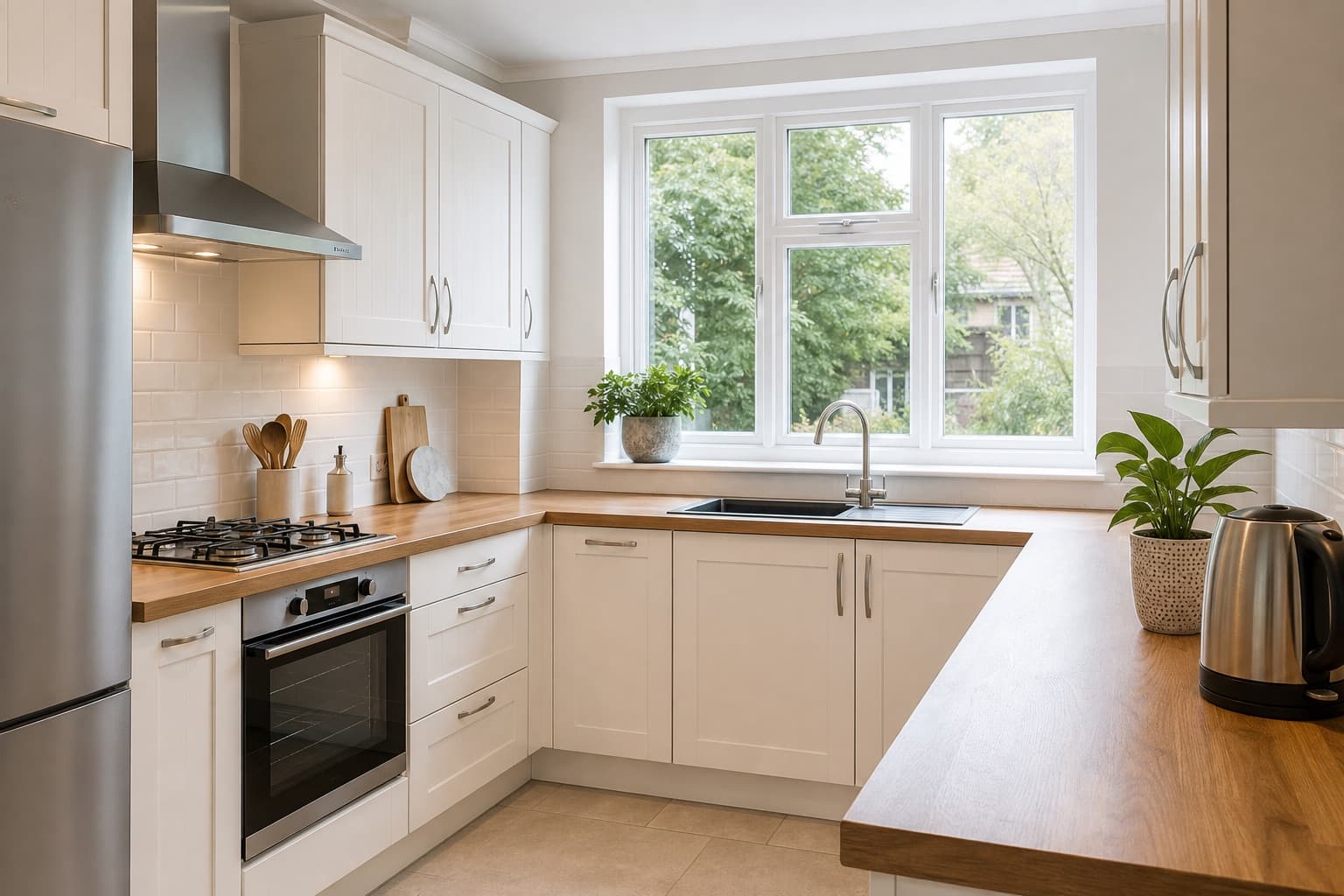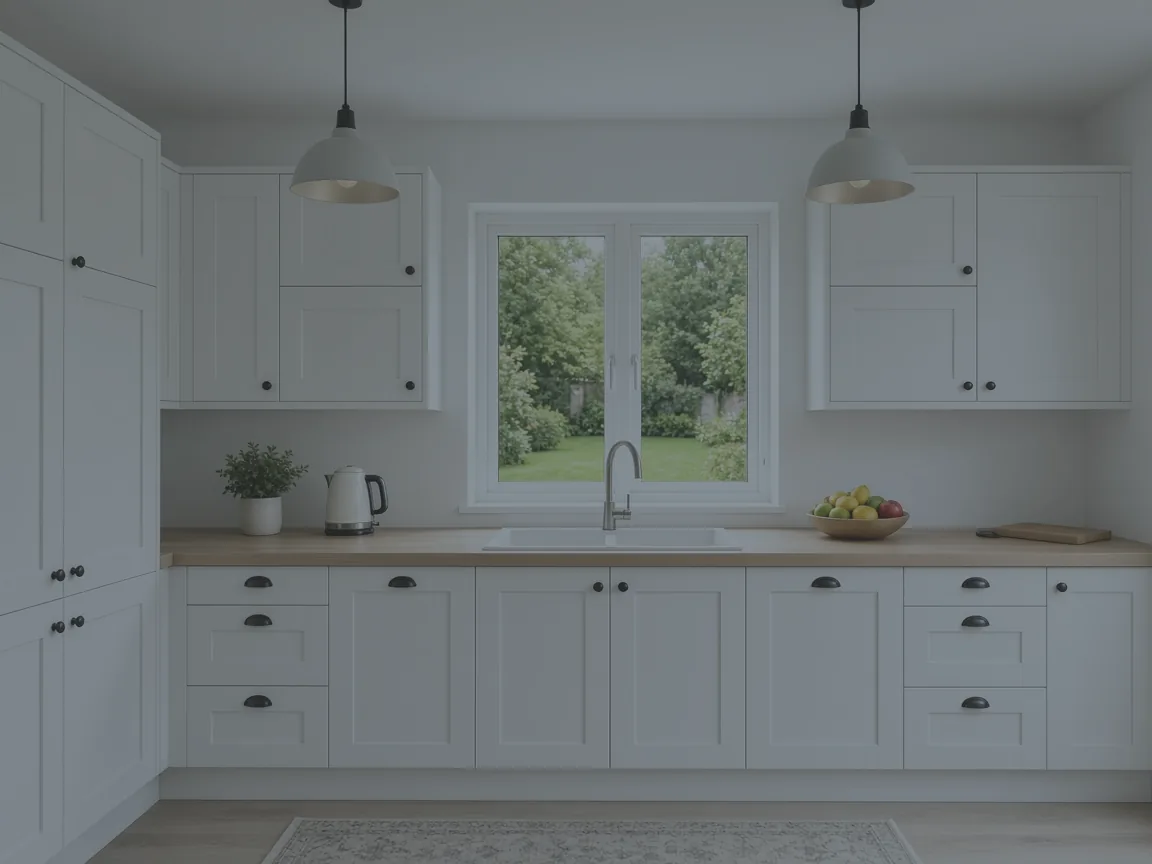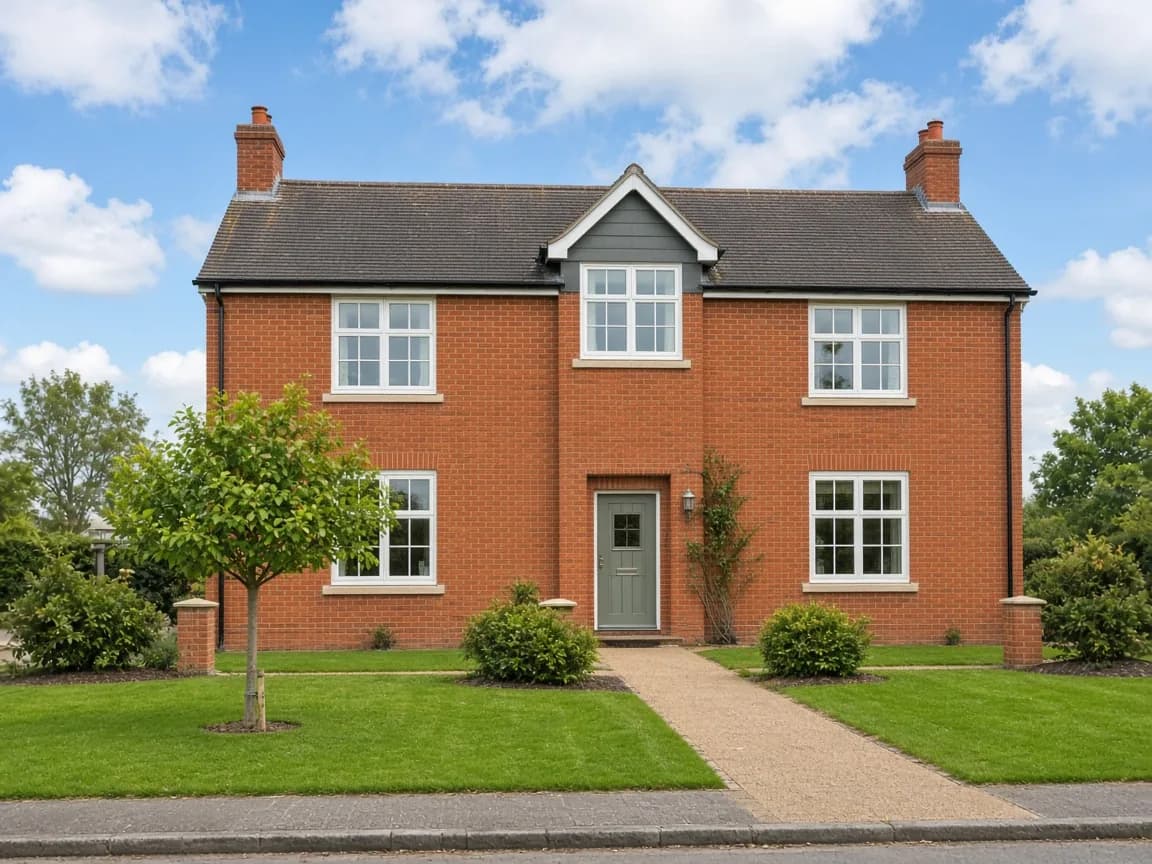
The Best Free Photo Editor for Estate Agents
What makes a great free photo editor for estate agents, and why PhotoEdit Studio is built for fast, marketing-ready listing photos in the browser.
By The PhotoEdit Studio Team · 18 January 2026
Quick answer
The best free photo editor for estate agents is one that is fast, browser-based and built for property — letting you crop, straighten and brighten listing photos in minutes without Photoshop. PhotoEdit Studio is designed for exactly this, helping agents present every listing with a cleaner, more professional first impression.
Key takeaways
- Estate agents need speed, simplicity and property-tuned tools.
- A free browser editor avoids software cost and rollout.
- Crop, straighten and brighten cover most listing edits.
- Consistent edits help every property look professional.
- PhotoEdit Studio is built for estate agents.
What estate agents actually need
Estate agents are not photographers, and they do not have time to learn complex software. What they need is a fast way to make listing photos look bright, level and professional — across dozens of properties a week.
That points to three priorities in a photo editor: speed, simplicity and tools tuned for property. Anything that adds cost, installation or a learning curve gets in the way.
Why free and browser-based wins
A free online photo editor removes the two biggest barriers for a busy branch: cost and rollout. There is no licence to buy per seat and no software to deploy across every computer. Anyone can open the editor and start.
It also means every listing gets attention, not just the premium ones. When editing is free and takes under a minute, there is no reason to publish a dull, crooked photo.
The edits that matter most
For listing photos, a small number of edits make the biggest difference:
- Straighten the room or building so it looks composed
- Brighten dark interiors for a welcoming feel
- Recover highlights so bright windows keep their detail
- Crop to a portal-friendly ratio
- Adjust colour for a natural, balanced look
PhotoEdit Studio puts all of these in a simple, free editor designed for real estate agents.
Building a quick editing habit
The agents who get the most from editing build it into their routine. The moment photos arrive, run each through the same quick sequence — crop, straighten, brighten, balance, export — so every listing looks consistent across portals, brochures and social.
When you need more
For a cluttered room, stay in PhotoEdit and use the PhotoClear tab — see how decluttering works. Light, medium and full use ReHub credits. An empty room that needs furniture is Virtual Staging Studio, which is a separate app. Everyday editing stays free.
Summary
The best free photo editor for estate agents is fast, simple and built for property. PhotoEdit Studio fits that brief, helping you present every listing with a cleaner first impression. Try it on your next instruction via the free editor, or read our estate agent editing tips.